

SQL Server professionals have relied on SSMS for years. But the needs of the job have evolved. The tool can feel behind, lacking in areas like cross-platform support, intelligent coding aids, and modern team-based workflows. Consequently, many are seeking out more powerful or focused alternatives to SSMS to handle contemporary database challenges.
In this article, we explore six top‑tier options designed for power users who demand more than the built‑in toolset can provide.
What Power Users Need That SSMS Doesn’t Deliver
For experienced SQL Server users, SSMS lacks key features needed for modern workflows. The main gaps are:
- No cross-platform support. Can’t use it for PostgreSQL, MySQL, or other databases. Forces you to juggle multiple tools.
- Basic performance tools. Execution plans are helpful but static. Lacks historical trend analysis and clear tuning advice.
- Poor DevOps integration. Git integration is not built in and usually requires extra tools or workarounds. This complicates version control, automated deployments, and team collaboration.
- Limited customization. The UI feels outdated. Options for shortcuts, layouts, and themes are minimal.
- Weak coding help. IntelliSense is often slow or inaccurate. No smart code completion or built-in refactoring tools.
It’s a solid admin tool, but not a great development or multi-platform environment.
Top 6 SSMS Alternatives for Power Users
SSMS is a useful free tool, but many users look for more efficient options. You have three main paths: a full SQL Server IDE, a lightweight cross-platform editor, or an add-in to enhance SSMS itself.
Your choice depends on whether you need deeper SQL Server features, multi-database support, or just a smarter editor. Here are the leading alternatives.
dbForge Studio for SQL Server
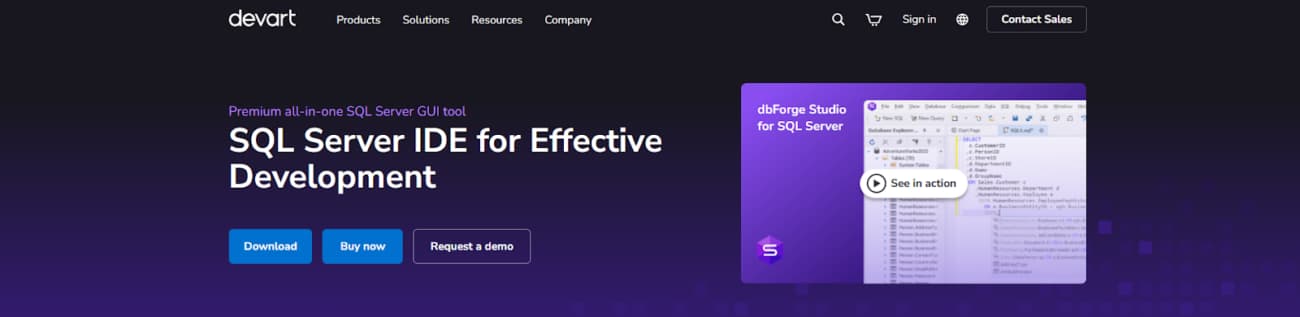
dbForge Studio for SQL Server — a full IDE, built just for SQL Server. Covers query writing, schema changes, DevOps automation, and performance tuning. Plenty of teams move to it instead of SSMS once projects get bigger or they get tired of workarounds.
Comes with decent comparison & sync, smart scripting, plus the AI helper inside the editor. When it comes to features, dbForge Studio is the best alternative to SSMS available.
If you’re a dev, DBA, data architect, or analyst who works with SQL Server daily, it saves time on code, query optimization, schema design, diffing/merging schemas and data, generating scripts, admin work, and test data creation.
Why dbForge Studio for SQL Server Stands Out:
- Enterprise-grade focus on the complete SQL Server lifecycle.
- Integrated AI for intelligent code completion & optimization.
- Robust tools for schema/data comparison & synchronization.
- Built-in DevOps support with version control & automation.
- In-depth analysis: profilers, query tools & insights.
Azure Data Studio
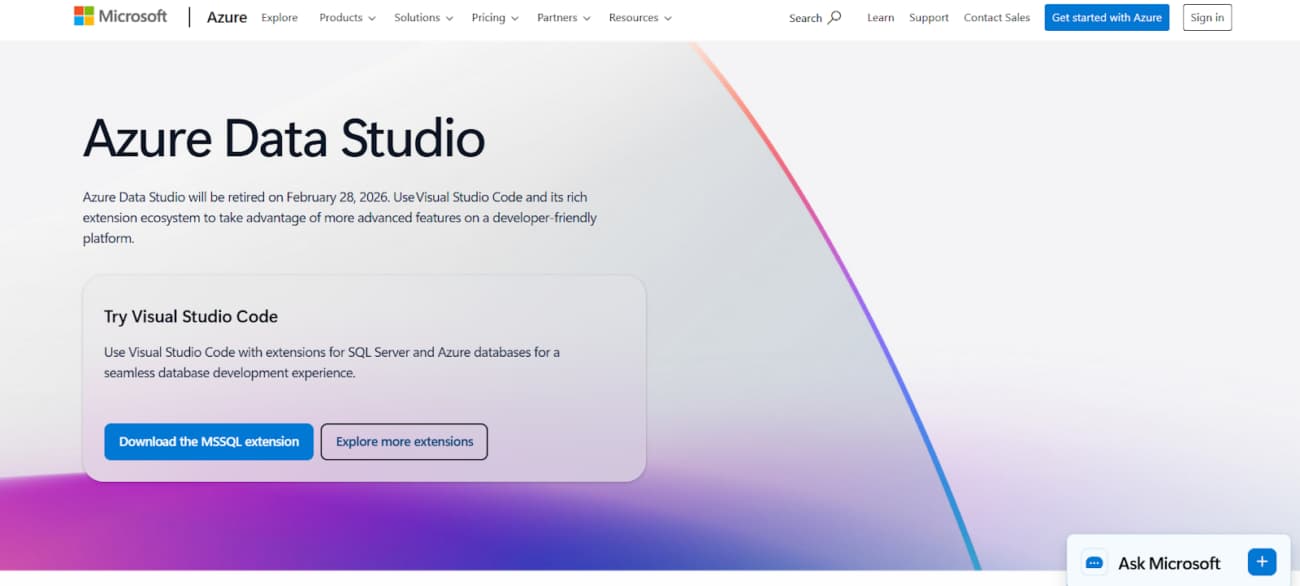
Azure Data Studio is a cross-platform desktop app for handling SQL Server, Azure SQL, and a few other data platforms. It’s built on the VS Code foundation. Focuses on being a lightweight, customizable editor instead of a heavy admin tool. You get flexible workspaces, notebooks right inside, extension support, and Git built in.
Suits devs, engineers, and analysts who need flexibility more than deep server management.
Why Azure Data Studio Stands Out:
- Cross-platform (Windows, macOS, Linux) with a consistent UI.
- Built-in SQL + Python notebooks for queries, visuals & markdown.
- Highly extensible via extensions (dashboards, schema tools, etc.).
- Smart SQL editor + integrated Git for script versioning.
SQL Prompt
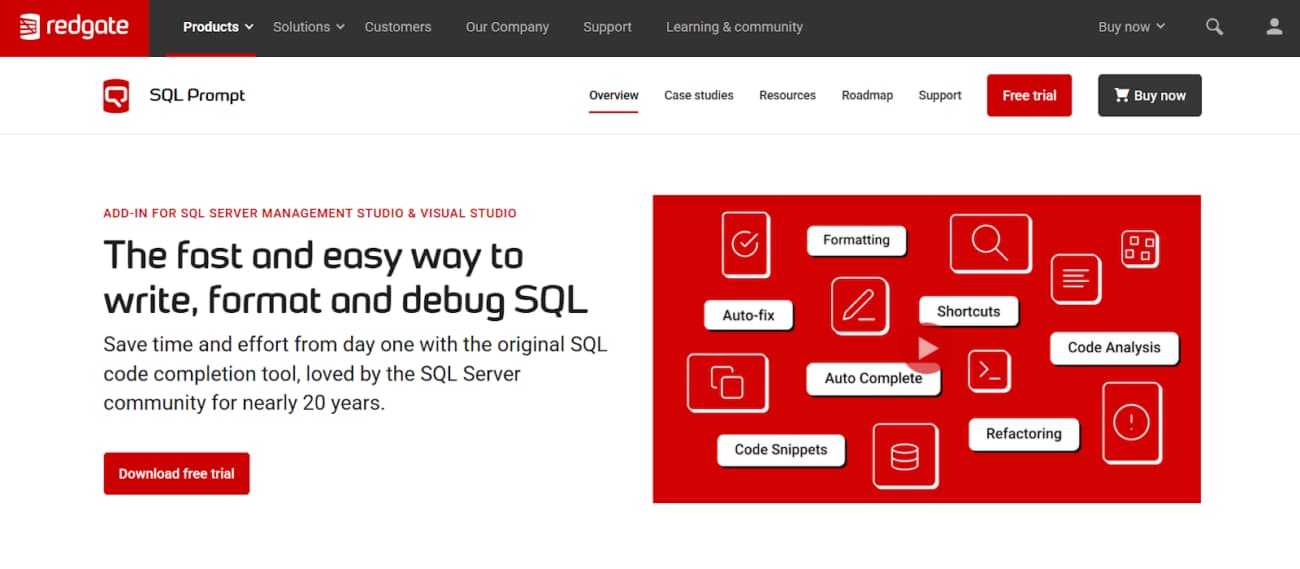
SQL Prompt by Redgate is a common add-in for SSMS and Visual Studio. It doesn’t replace the built-in editor — it just adds better tools on top. Things like smarter auto-complete, one-click formatting, easy navigation between objects, and warnings that show up as you type if something looks wrong.
Developers who write and edit SQL daily tend to keep this tool installed. It helps reduce simple typos and ensures a consistent style across scripts. Because it reads your live database schema, its suggestions are accurate and relevant. Teams also use it to enforce standard formatting rules and to identify problematic code patterns early in the process.
Why SQL Prompt Stands Out:
- Smarter completion — uses schema, aliases, context (beats SSMS IntelliSense).
- Shareable formatting styles — teams stay consistent easily.
- Live code analysis — spots SELECT *, no WHERE, unused vars instantly.
- Tab/script history — recovers work after SSMS restarts.
Aqua Data Studio
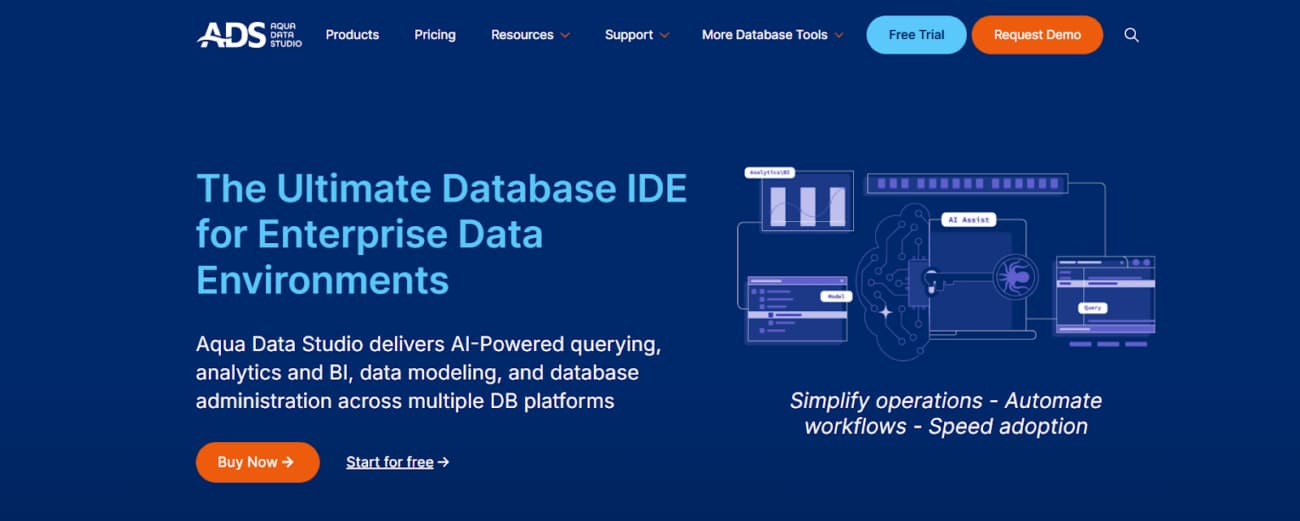
Aqua Data Studio is a cross-platform IDE built for managing multiple database systems. It supports a wide variety of relational, cloud, and NoSQL databases, letting you work with different technologies from a single interface. This is especially useful in mixed environments where you need to handle several database engines at once.
The tool integrates several key functions: query writing, visual database design, data analysis, and schema management. It’s recognized for its strong visual modeling capabilities and data exploration features, all tailored for heterogeneous database setups.
Why Aqua Data Studio Stands Out:
- True multi-database support — connects to tons of relational + NoSQL from one app with native tools.
- Strong visual analytics: query builders, interactive charts, pivot tables, geospatial views.
- Built-in ER diagramming — visual modeling, design, reverse engineering for schemas.
- Team features: shared connections, query sharing, version control, and enterprise security.
DBeaver
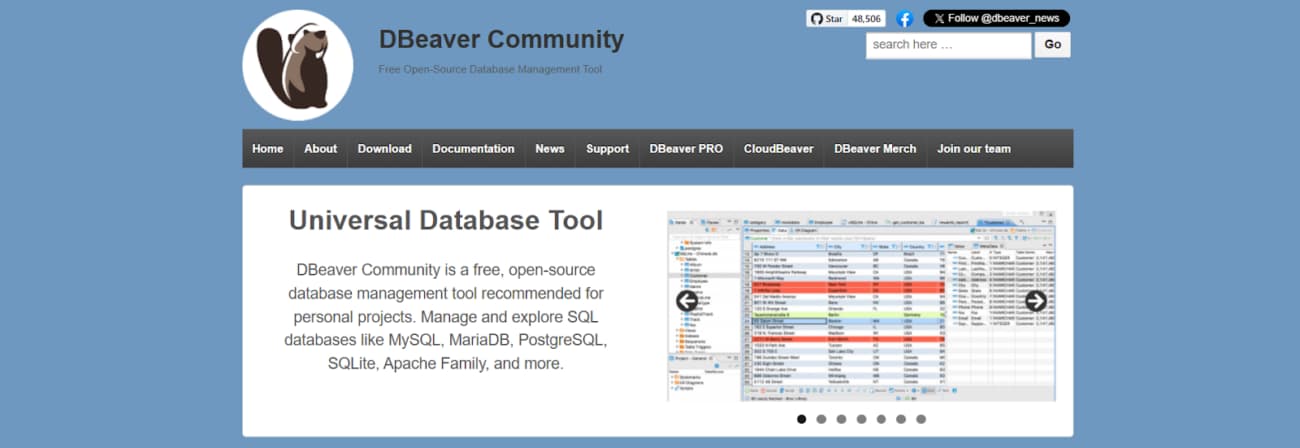
DBeaver is a free, open-source database tool for developers and DBAs. Built on Eclipse, it can connect to almost any database with a JDBC or ODBC driver, including common systems like SQL Server, MySQL, and PostgreSQL.
The goal is to offer a capable SQL editor and a full set of management features at no cost, making it a strong choice for users who need wide compatibility without spending money.
Why DBeaver Stands Out:
- Completely free Community Edition, solid features; optional paid Enterprise for advanced stuff and official support.
- Works with tons of databases — one of the widest compatibilities out there, drivers keep growing.
- SQL editor is very customizable — syntax colors, auto-complete, and rearrange panels for your workflow.
- Handy everyday tools: data export/import, ER diagrams, browse metadata, light monitoring.
DataGrip by JetBrains
JetBrains built DataGrip as a dedicated IDE for database work. It’s cross-platform and supports a wide range of databases. The core idea is context-aware assistance—it provides relevant suggestions and flags issues in real time.
Many teams adopt it for its deep integration with the JetBrains ecosystem and its focus on developer productivity. You use it to simplify management, not add another layer of complexity.
Why DataGrip Stands Out:
- JetBrains-quality SQL intelligence: smart completion, real-time error detection, dialect-aware refactoring.
- Standalone or JetBrains IDE plugin — seamless switch between tools.
- Clear, interactive execution plan visuals for any supported database.
- Strong Git/SVN integration + powerful schema/data diffs and sync scripts.
Key Criteria for Evaluation
To decide which tools are worth it for heavy users, we scored each one on these practical criteria:
- All-in-one suite or niche expert? (full database management vs best-in-class for query editing / multi-DB access)
- How strong are the time-saving features: smart code completion, useful AI suggestions, reliable formatting, and safe refactoring.
- Team-ready basics: native Git, shared scripts/favorites, consistent style enforcement across users, pipeline compatibility.
- Cross-platform + multi-engine: runs on any OS you use; handles different databases in one interface without constant switching.
- Advanced diagnostics: proper profiling, long-term query performance tracking, and visual ways to spot and fix bottlenecks.
- Interface and workflow: responsive UI, shortcut-heavy, themes that don’t hurt, panels and layouts you can actually customize.
Conclusion
You need to know your own workflow first. If you’re fully dedicated to SQL Server administration, a complete, single-purpose SQL Server IDE is the only serious choice.
For developers working across different operating systems or in notebooks, a lightweight, cross-platform editor is the practical move. And if you’re just trying to write faster, smarter queries within the SSMS environment you already know, a smart add-in is the simplest solution.