

Old photographs carry history, but also damage. Time introduces scratches, noise, and fading. Low-resolution scans lose detail, and physical prints develop cracks. This list looks at six AI tools that address these specific issues. The focus is on practical restoration and quality improvement. Our assessment is based on real-world testing criteria.
How We Evaluated AI Photo Restoration Tools
We selected tools for actual user scenarios, not marketing claims. Our tests used scanned physical prints, faded family portraits, and images with digital artifacts. A key distinction guided our work: restoration versus enhancement. Restoration aims to remove defects like scratches and dust, returning the image to an original state.
Enhancement focuses on amplifying details, sharpness, and resolution, which can sometimes invent new information. We prioritized observing how each tool behaves across these different tasks. The goal is to show what each one actually does, not what it promises.
Evaluation Criteria For Comparison
The same tool can perform brilliantly on a portrait but fail on a textured background. An algorithm strong at colorizing faces might misinterpret the colors of clothing or scenery. This inconsistency is why we need a clear set of benchmarks. These criteria help map a tool’s real strengths, not just its intended purpose. We looked at several key behaviors:
- Restoration accuracy on damaged prints and scans;
- Scratch, dust, and crease artifact handling;
- Blur reduction without fake textures;
- Colorization realism for black and white photos;
- Output consistency across different inputs.
The following analysis of each tool is structured around these specific points. This method reveals where a service truly delivers and where its logic reaches a limit.
1. Renew Photo
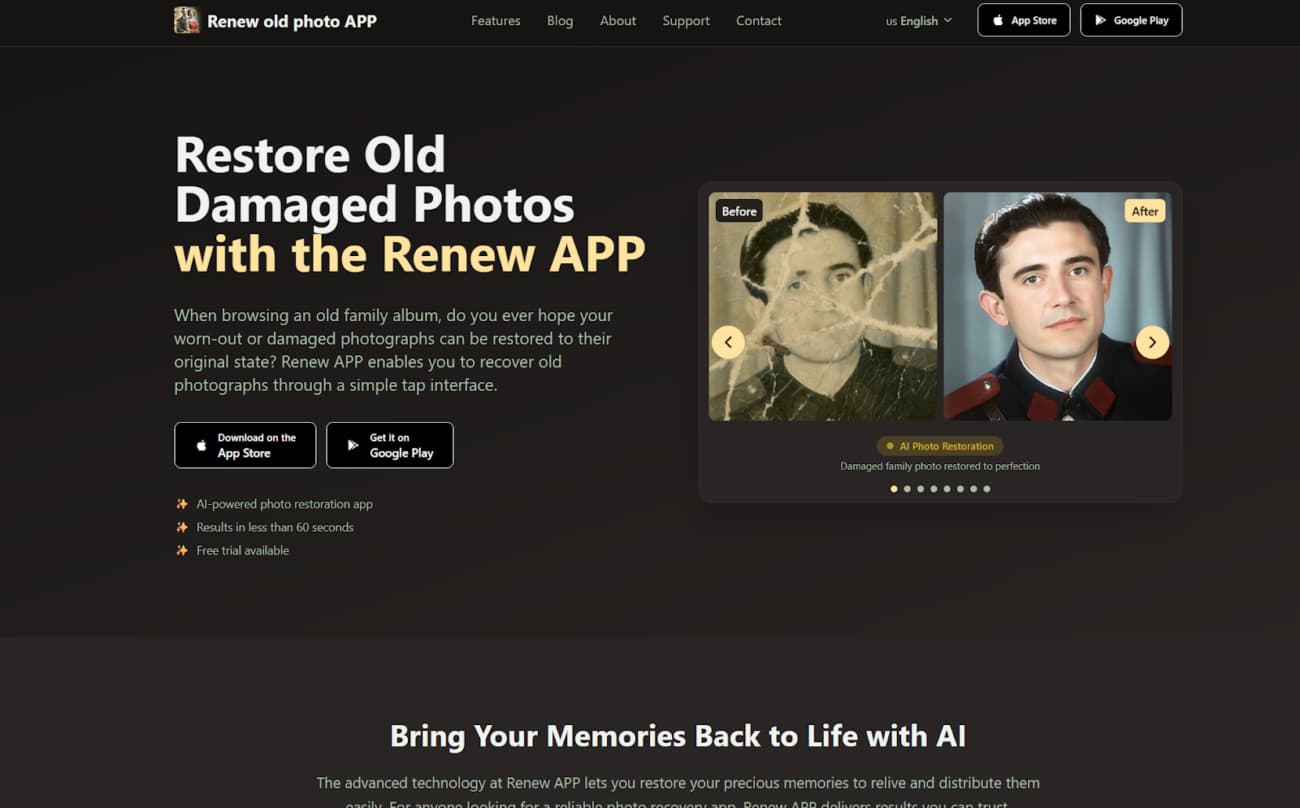
Renew Photo is a web and mobile application designed for archival photo repair. Its primary function is the automated restoration of aged physical photographs. The service suits users who need to fix common deterioration in family albums. It operates with a straightforward, single-image upload process.
Core Restoration Capabilities
This tool targets the classic degradation found in old prints. It works to mechanically remove surface damage and recover some lost clarity. The typical output is a cleaner, more legible version of the original, though fine details may be smoothed over. Its automated engine is configured for a specific set of problems:
- Fixing scratches and surface noise on old photos;
- Restoring faded contrast and basic clarity;
- Colorizing black and white photos when needed;
- Improving readability of low-resolution scans.
The service provides predictable results on photos with uniform damage like overall fading or light scratches. Images with complex textures or severe, localized damage can challenge its automated approach, sometimes leading to unnatural blending.
2. RetroFix
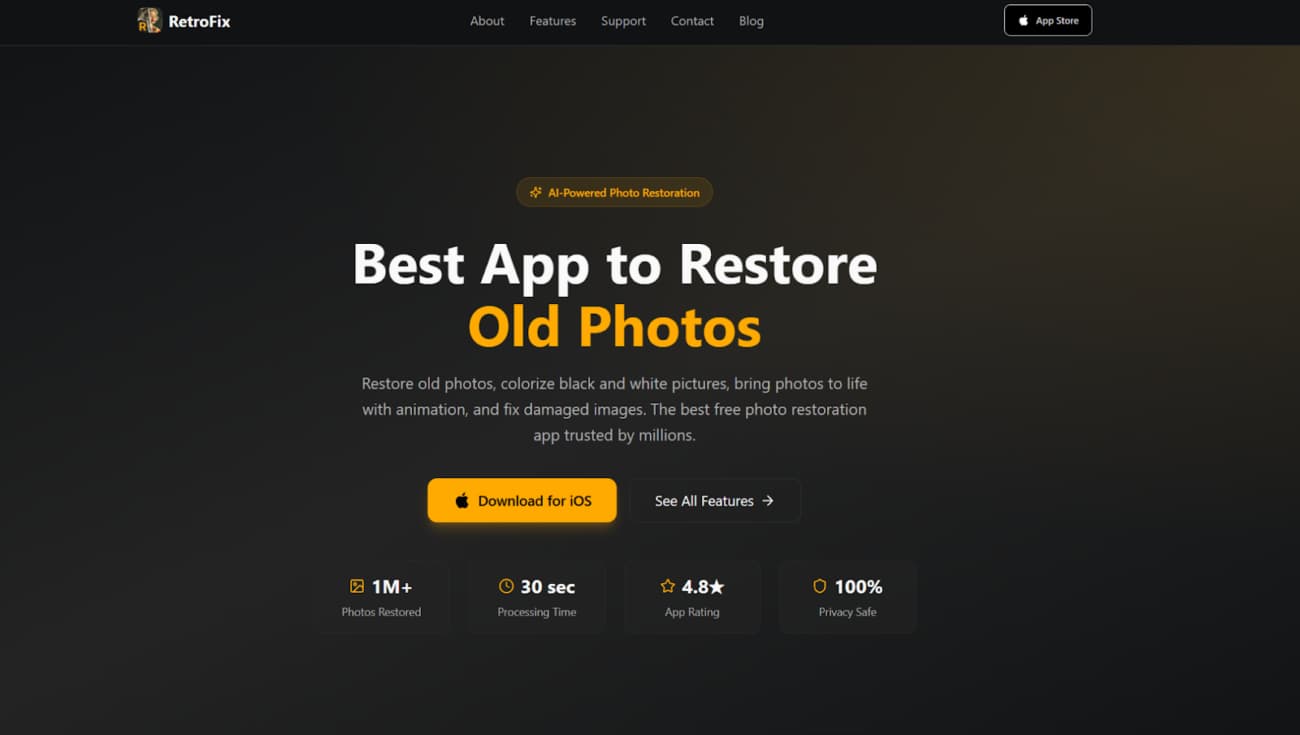
RetroFix functions as a streamlined web and app-based restorer. It emphasizes speed and simplicity for casual use. The tool is built for users who want a quick visual improvement without technical adjustments. It differs from professional editors by automating every decision, offering a one-click experience.
Feature Set And Use Cases
The platform is built for immediate, shareable results. It’s for quickly making an old snapshot look better on a screen, not for archival-grade repair. Think of it as a fast pass for photos headed to social media or a family chat. Its feature set reflects this casual orientation:
- Restoring faded photos with minimal setup;
- Enhancing sharpness without manual retouching;
- Colorizing black and white images for sharing;
- Quick workflow for casual users.
RetroFix is a good option when you need a rapid result and aren’t concerned with granular control. It’s less suitable for photos where preserving every authentic detail is the primary goal, as its enhancements can be broad.
3. Remini
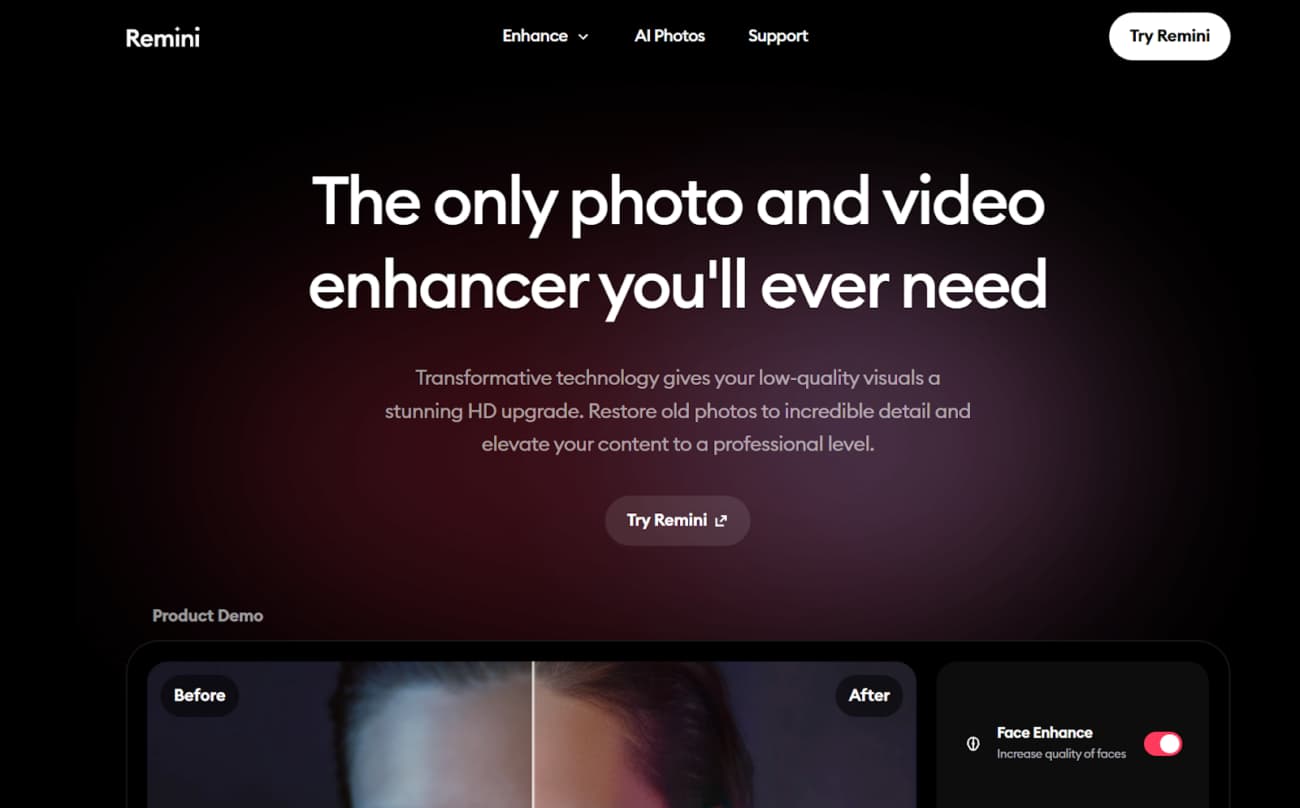
Remini is a mobile app famous for its intense detail enhancement, particularly on faces. Its algorithm is engineered to reconstruct and sharpen, often inventing texture where it’s missing. This makes it more of an enhancement engine than a careful restorer. The outcome can be impressively detailed or unnaturally artificial.
Strengths And Limitations
The tool excels with human subjects but struggles with consistency. It applies a generalized “detail” model that works wonders on facial features but can generate weird patterns on clothing, backgrounds, or natural textures. According to our tests, its performance profile is quite specific:
- Strong face enhancement on low-quality portraits;
- Aggressive sharpening that can add artifacts;
- Less reliable results on scanned prints;
- Limited control over how details are reconstructed.
Choose Remini when your main goal is to dramatically improve the clarity of faces in a low-quality portrait, and you accept the synthetic look. Avoid it for restoring precious historical prints where authenticity is critical, as it will likely alter them too much.
4. YouCam Enhance
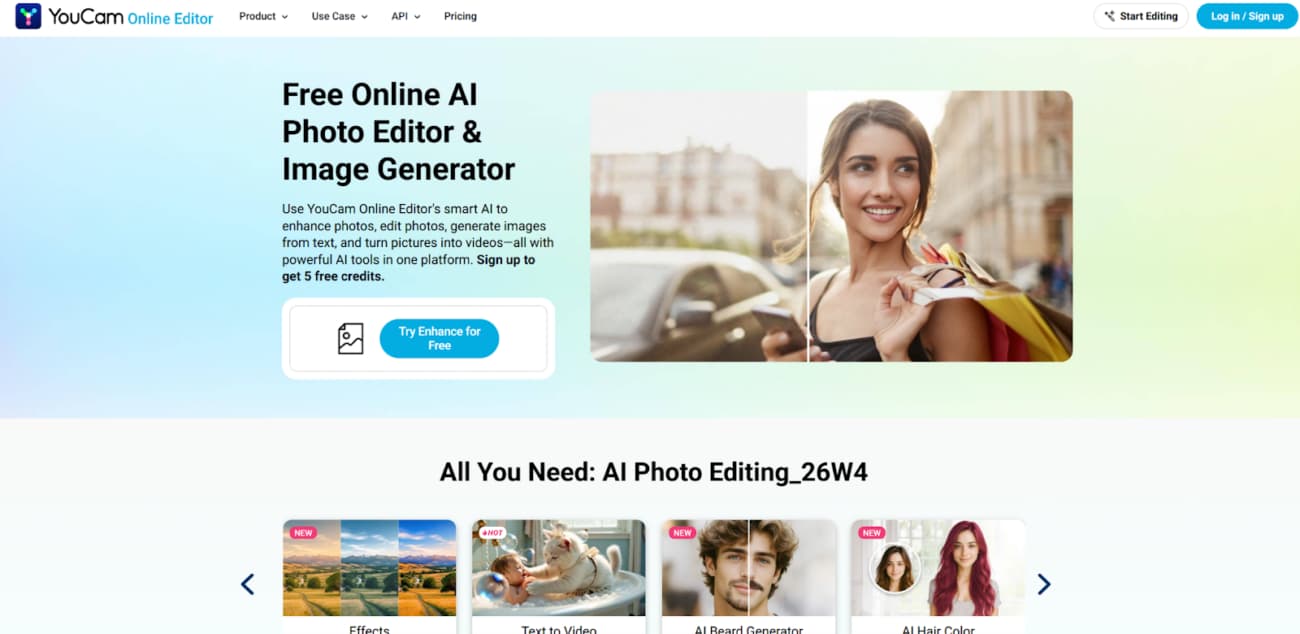
YouCam Enhance is a mobile-first application focusing on photo cleanup and upscaling. Its design centers on the smartphone workflow, from capture to quick edit. This mobile format offers clear convenience for on-the-go use but naturally involves some trade-offs in processing power and control compared to desktop software.
Mobile-Oriented Restoration Features
This tool is for fast improvements you can do in a minute. It’s about making a photo look sharper and clearer on your phone’s screen, not performing surgical restoration. The features are built for this quick-edit philosophy:
- Quick enhancement for everyday photo cleanup;
- Noise reduction and clarity improvement;
- Basic blur handling on casual images;
- Simple export workflow for mobile users.
It works best for users who need to quickly polish a recent digital photo or a snapshot of an old picture. For deeply damaged physical photos requiring meticulous repair, its capabilities are generally too basic.
5. LetsEnhance
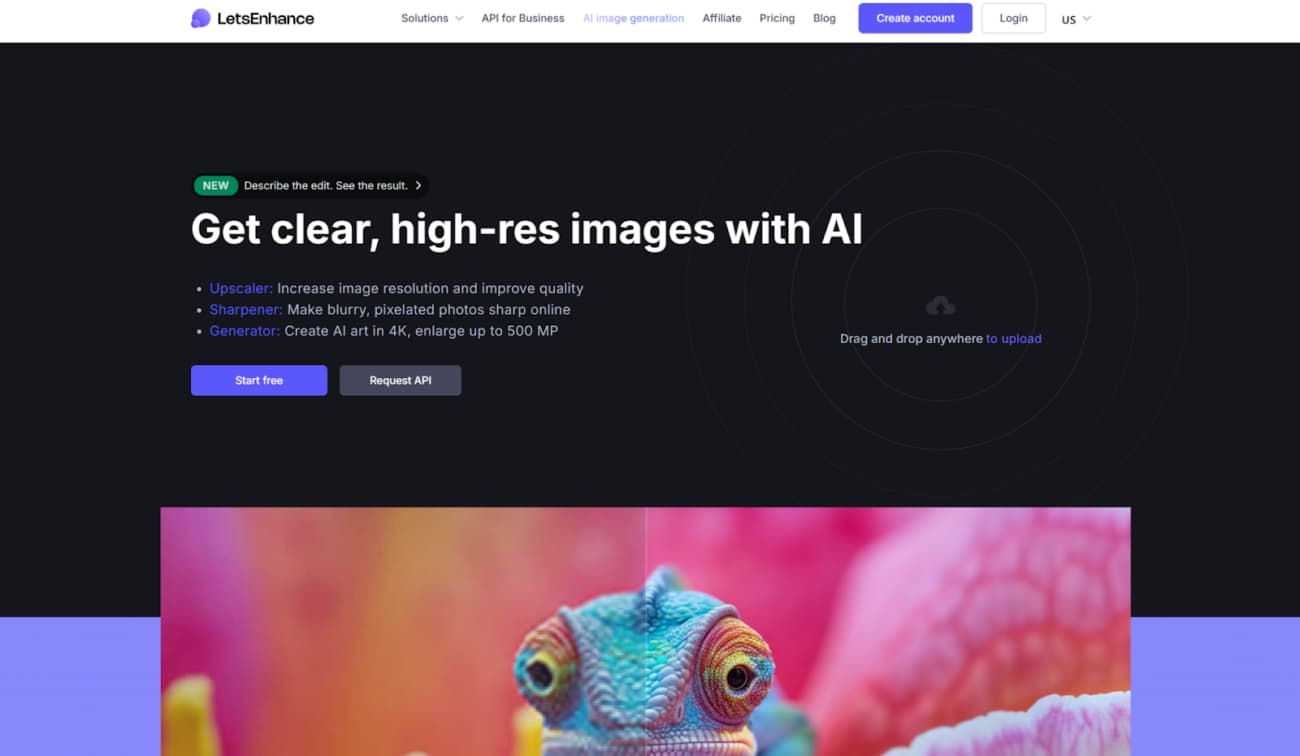
LetsEnhance is primarily an online AI upscaling service. Its core function is to increase image resolution while trying to maintain quality. The platform also offers noise reduction and color correction tools. It is built more for quality improvement of existing digital files than for repairing severe physical damage.
Upscaling And Restoration Scenarios
It’s important to separate upscaling from restoration. Upscaling adds pixels to make an image larger; restoration repairs existing pixels that are damaged. This tool’s strengths are firmly in the first category. Our analysis shows it performs best under these conditions:
- Upscaling scanned photos for clearer prints;
- Noise reduction and texture smoothing;
- Better results on already clean originals;
- Limited recovery for deep physical damage.
The service is logical as a step in a workflow: after you have scanned and manually repaired major scratches on a photo, you could use LetsEnhance to upscale it for a large print. It is not a one-stop solution for a torn, stained photograph.
6. PhotoRestore.io
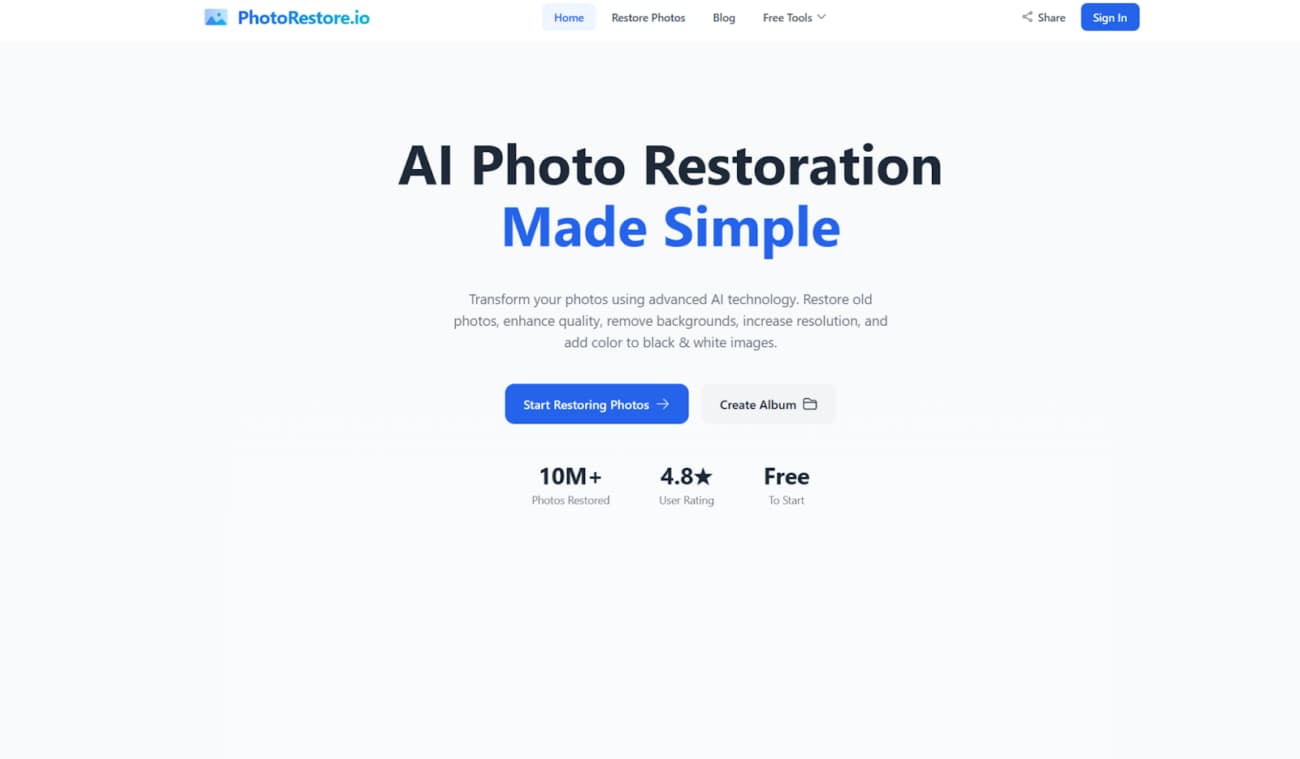
PhotoRestore.io is a simple, browser-based tool for basic photo fixes. It requires no software installation, operating entirely online. This format is convenient for a quick attempt or for users wary of downloading apps. Such services typically have fundamental limits in processing depth and user control.
Simple Browser-Based Restoration Flow
The workflow is minimalist. You upload, the AI processes, you download. This simplicity means you surrender control over the restoration intensity and specific corrections applied. The tool offers a baseline level of automated correction:
- Fast browser workflow without installation;
- Basic cleanup for minor defects;
- Useful for quick tests before deeper editing;
- Limited control over restoration intensity.
The choice is justified for lightly damaged photos where convenience is the top priority. For valuable images with complex damage, its automated, broad-strokes approach will likely be insufficient. You’d then need to move to a more capable tool.
Final Takeaways
The choice depends entirely on your photo’s problem. For genuine damage restoration, such as scratches, tears, and stains, use a dedicated tool like Renew Photo. For dramatic portrait enhancement where authenticity is flexible, Remini has a role.
When you need to increase the size and clean noise from a decent scan, an upscaler like LetsEnhance makes sense. Mobile tools like YouCam Enhance prioritize speed for casual use, while web utilities like PhotoRestore.io offer bare-bones convenience. Match the tool’s core function to your primary need.